How to Choose an RTK Handheld, Tablet or Vehicle Terminal
Choose professional RTK equipment by work format: a compact handheld for mobile capture, a rugged tablet for maps and records, or an externally powered terminal for vehicle integration.
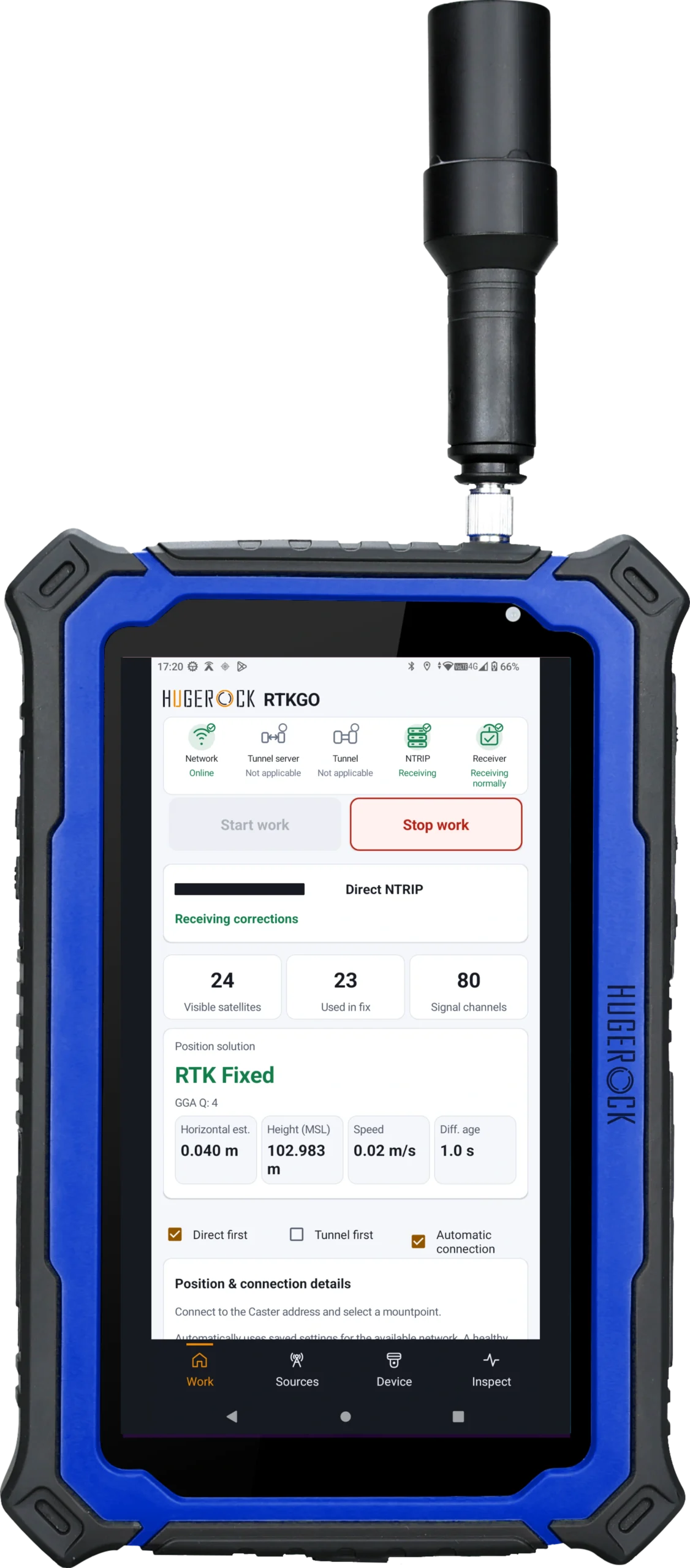
Match the device format, software workflow, antenna and mounting arrangement to the work before comparing a configuration-specific quotation.
Choose the working format first
A compact handheld, a portrait field tablet and a vehicle terminal solve different handling and installation needs. Start with the operator task: walking an inspection route, reviewing a large map, recording attributes or integrating a receiver into a machine. Confirm the complete workflow using the intended application.
Compact and portrait workspaces
G60M provides a compact handheld format with physical controls. G71M provides a 7-inch portrait display specified at 2200 nits for maps and field forms. The antenna location, carrying arrangement, software and receiver integration remain part of the selected configuration.
Landscape field tablets
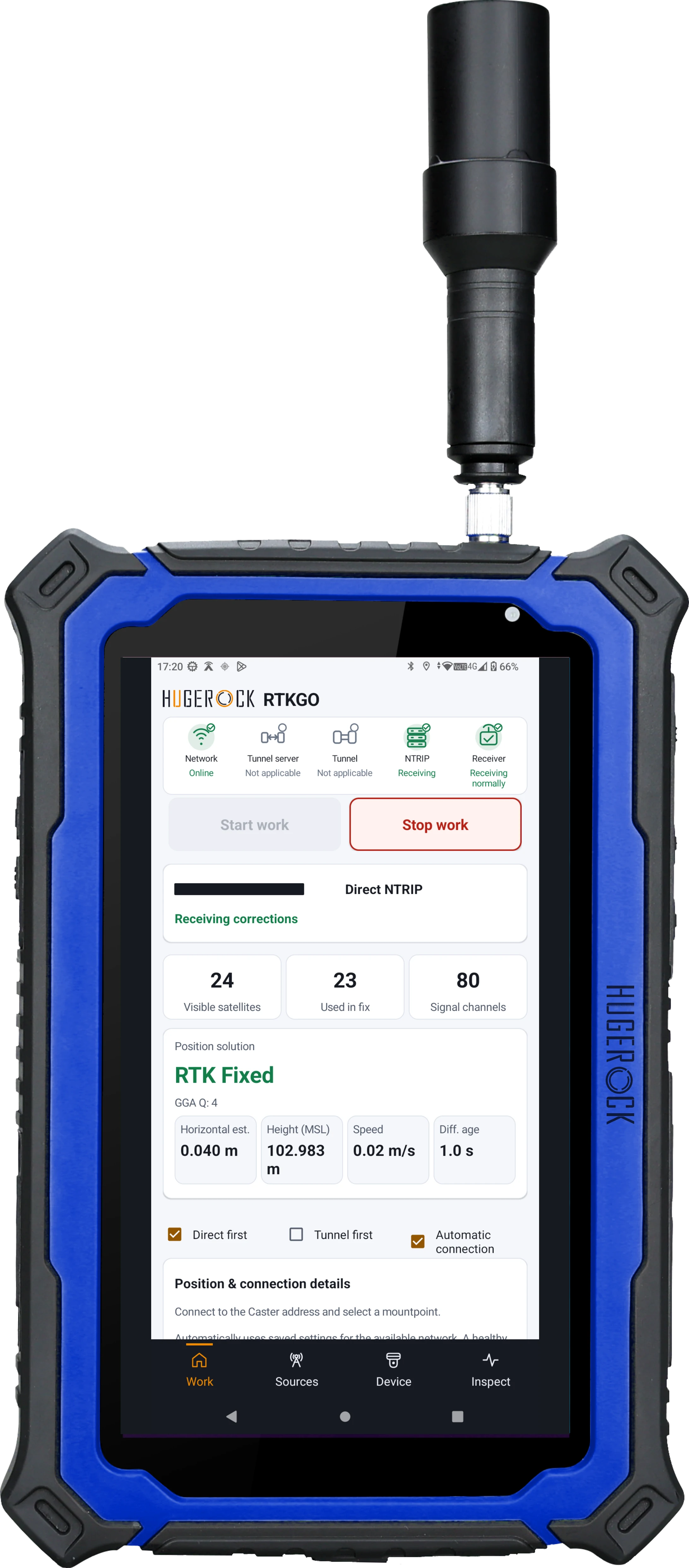
G80M offers an 8-inch landscape workspace; G101M provides a larger 10-inch-class format. H81 RTK is the H81G-based RTK version; this range uses the 5G-M60 configuration. Compare the exact device specifications and operating-system options rather than transferring specifications between similarly named variants.
Vehicle integration is a separate scope
GK101M is a dedicated vehicle terminal. Plan the rear mounting bracket, protected external DC supply, interfaces, antenna configuration and cable route. Where dual-antenna heading is required, verify antenna orientation, baseline and receiver settings. The quoted 0.1° RMS heading figure is tied to a 1m baseline.
Validate software and reference access
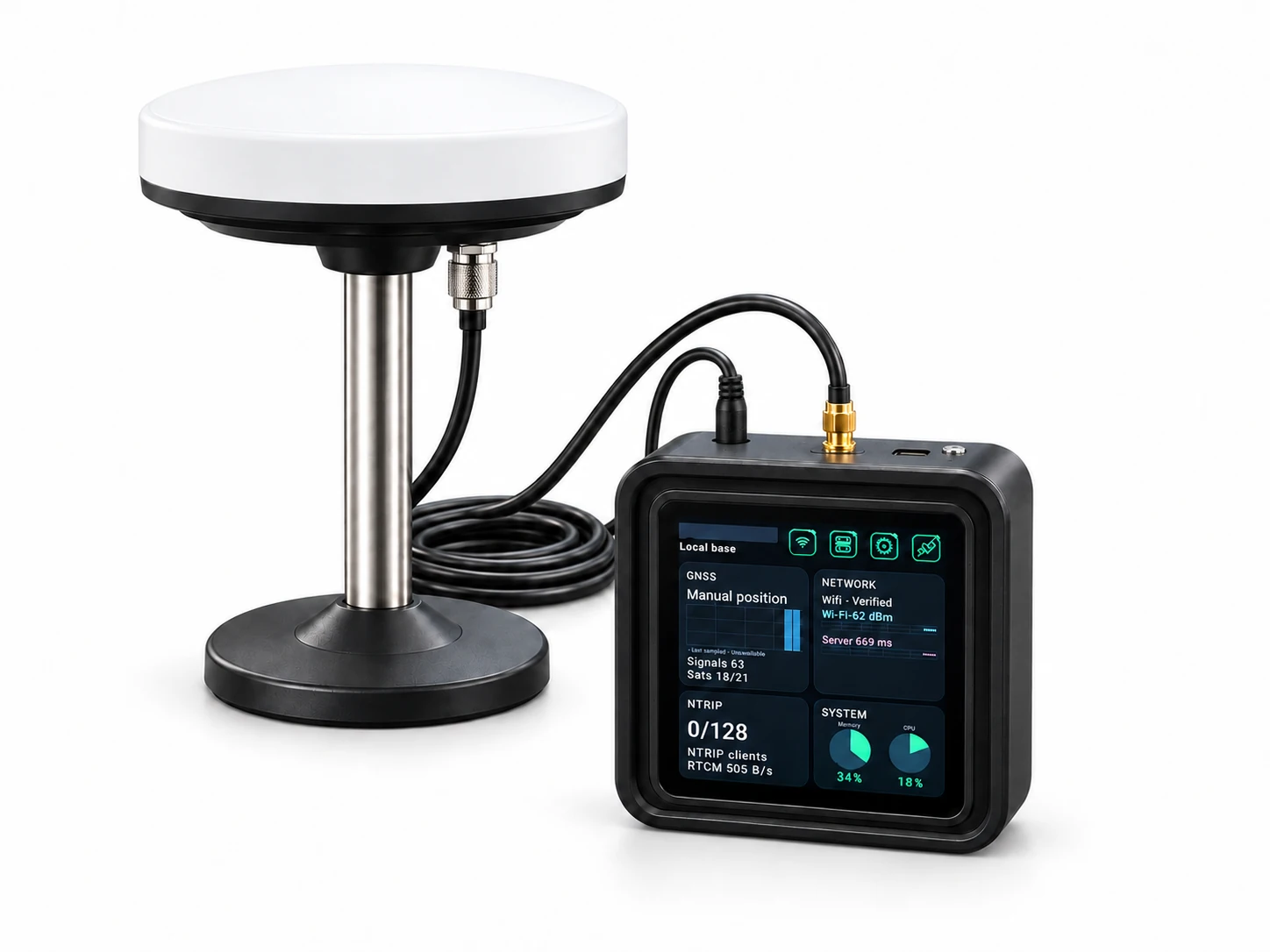
RTKGO presents connection and positioning status. Surveying, GIS and machine-control functions depend on the selected application and its receiver integration. Confirm licensing, supported data outputs, coordinate handling and the route to the correction service.
Make the quotation describe the system
Specify the exact model, quantity, operating system, receiver configuration, antennas, straps or mounting accessories, charging or power equipment, application requirements and support. Include reference service access and acceptance criteria. Battery capacity is not a runtime guarantee; input ratings are not measured operating consumption.
A procurement comparison based on the installation
Which is more important: RTK specifications or the application?
Evaluate both. Receiver specifications, correction source and antenna arrangement affect positioning; operating system support, GNSS access, field software and acceptance criteria determine whether the device fits the actual task.
Should all field teams use the same RTK device?
Choose around the task rather than assuming a single format. Compare portability, map area, brightness, battery or external power, interfaces and mounting for each team; standardize only after validating the workflow.
Related: Compare RTK handhelds, tablets and vehicle terminals · G71M portrait RTK tablet · G80M landscape RTK tablet · GK101M fixed vehicle terminal