The operating challenge
Multiple stations need consistent reference documentation, unique source identities, reliable network paths and a clear client policy. The number of stations alone does not establish coverage or positioning accuracy.
 RTKGO
Request a quote ↗
RTKGO
Request a quote ↗
Connect multiple fixed reference points to a central GB30 in Local Base Station mode. Serve its own local source and independent uplink sources through the integrated NTRIP Caster.
For: Municipal technology teams, survey service operators and RTK solution distributors
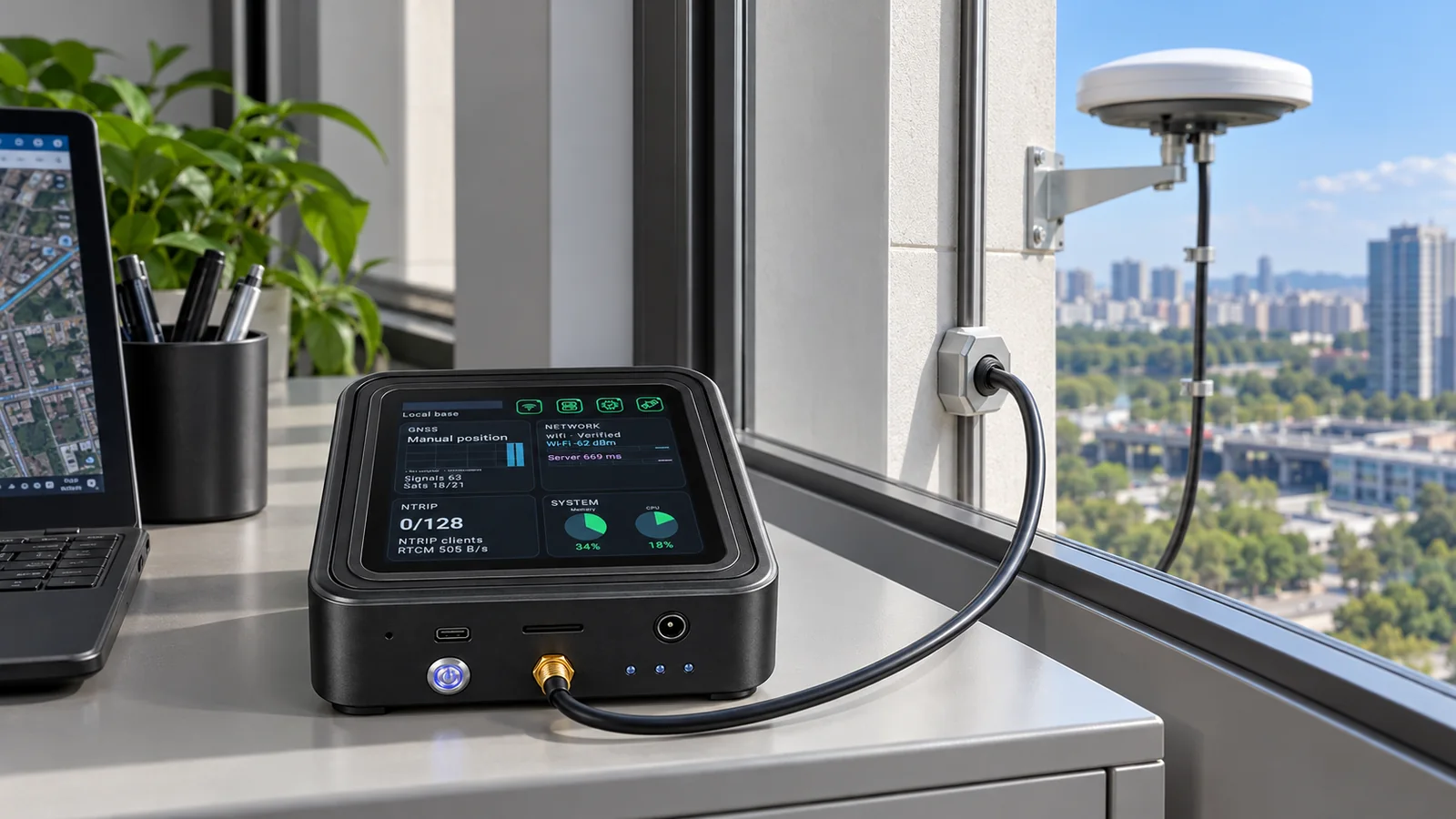
A regional operator needs reference access for crews working in several districts. The operator plans a central local-mode GB30 and eight uplink-mode GB30 stations. Each site has an outdoor fixed antenna and an indoor main unit. Field teams receive the source assignment appropriate to their work area and validate it before collecting data.
Multiple stations need consistent reference documentation, unique source identities, reliable network paths and a clear client policy. The number of stations alone does not establish coverage or positioning accuracy.
The typical 8 + 1 layout uses nine complete GB30 kits: one local base / Caster and eight uplink stations. The central GB30 serves L00 plus U01–U08 as separate sources. Approximately 10km station spacing is a planning example that requires site validation.
Evaluate reference monuments, coordinates, sky visibility, power and network connectivity at each intended location.
Configure the central GB30 as Local Base Station + Caster. Bind each remote GB30 in Uplink mode and verify source upload.
Document mountpoints and client settings. Give field teams the suitable source for their operating area.
Check source activity, simultaneous clients, correction continuity and station handover records. Revalidate after reference or network changes.
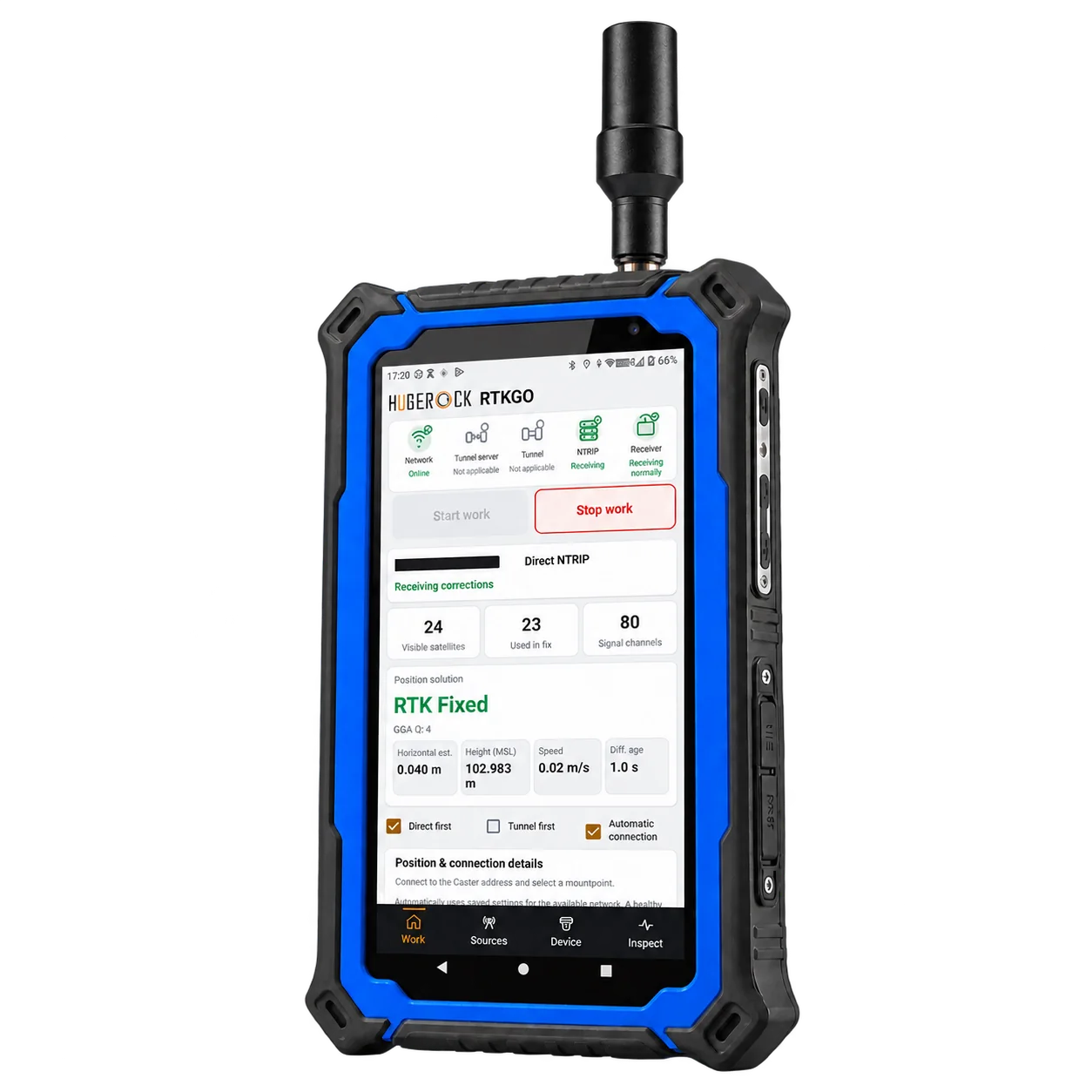
Portrait RTK field tablet
Review specifications →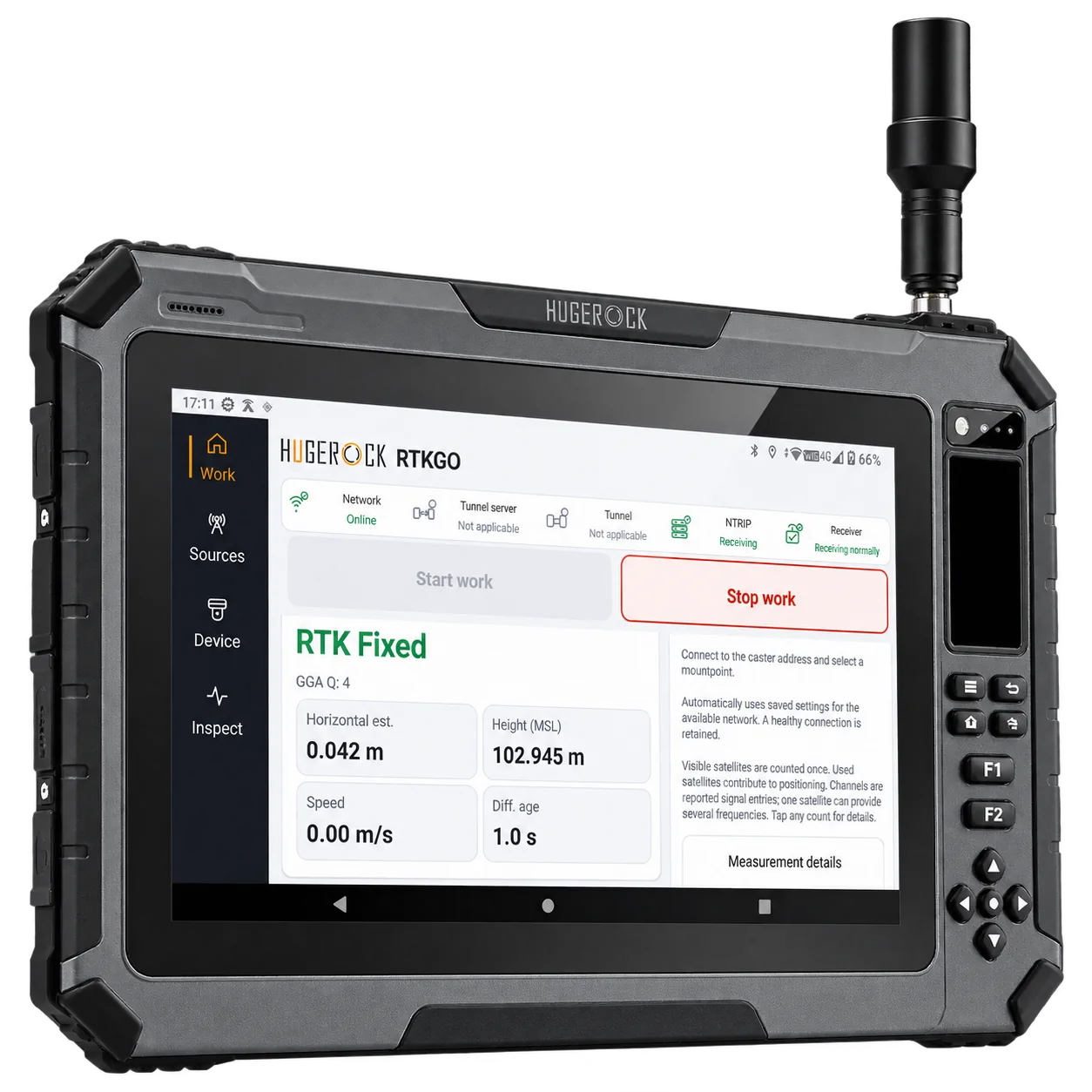
Large-screen RTK field tablet
Review specifications →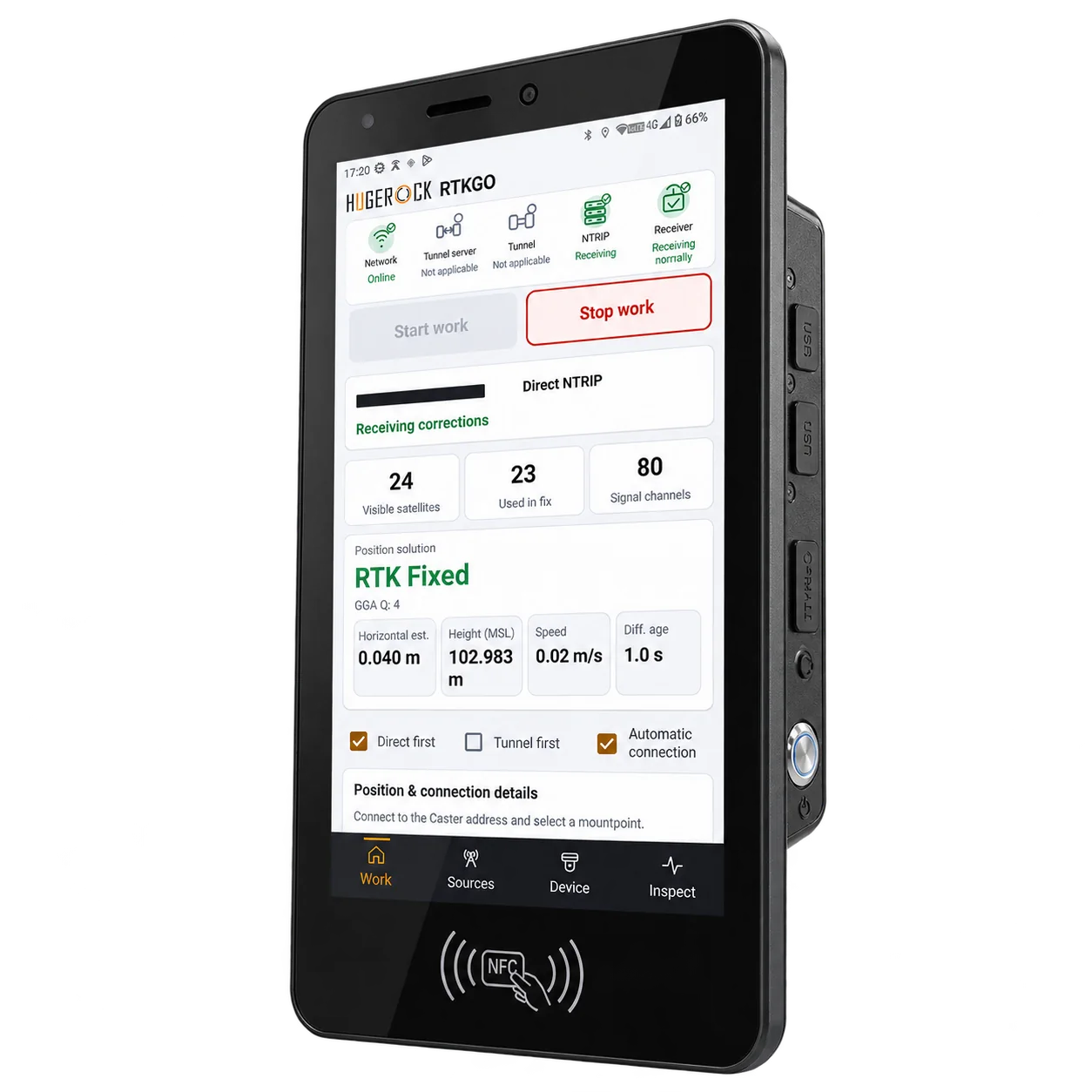
Vehicle-mounted RTK terminal
Review specifications →Confirm the shipping configuration, field application, receiver access and installation requirements. Robot-side and machine-side receivers may be separate industry equipment.
No. The central GB30 makes its own source and accepted uplink sources available independently. This layout does not imply VRS, correction fusion or a network adjustment service.
Automatic nearest-station selection and seamless roaming are not established by this architecture. Select and validate an appropriate nearby source for each work area.
No. The central Caster's default is 256 client terminals with an allowance for 8 uplink stations. Up to 4,000 simultaneously online clients applies to direct NTRIP under the configured policy; the limit is not multiplied by station count.
Give survey crews a known correction source for control checks, topographic observations and repeat site visits. GB30 keeps the local reference base and NTRIP Caster in one indoor unit.
Explore this solution →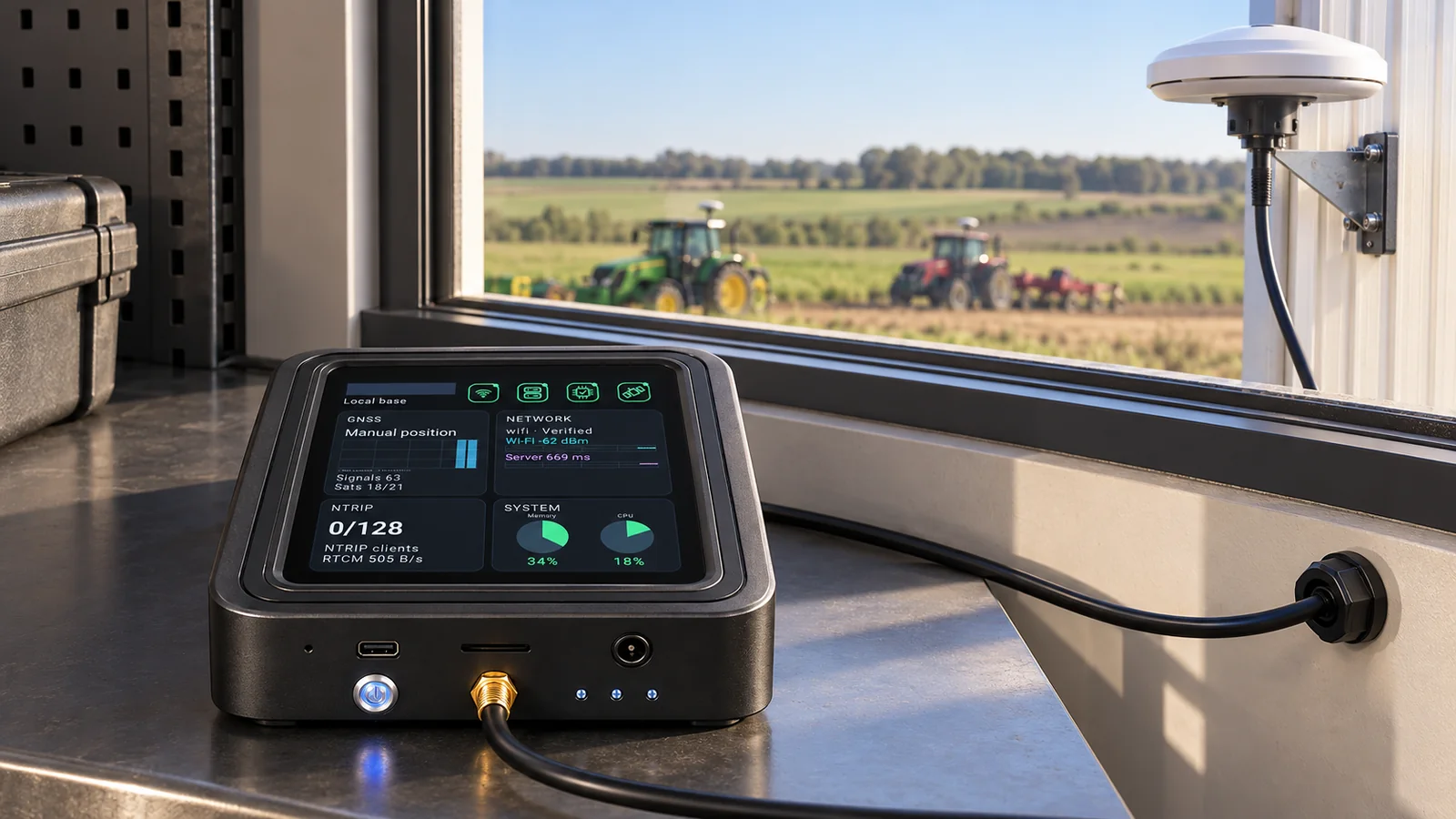
Build the reference layer for a compatible agricultural positioning system. Keep the base installation fixed and evaluate machine terminals, antennas, power and application integration together.
Explore this solution →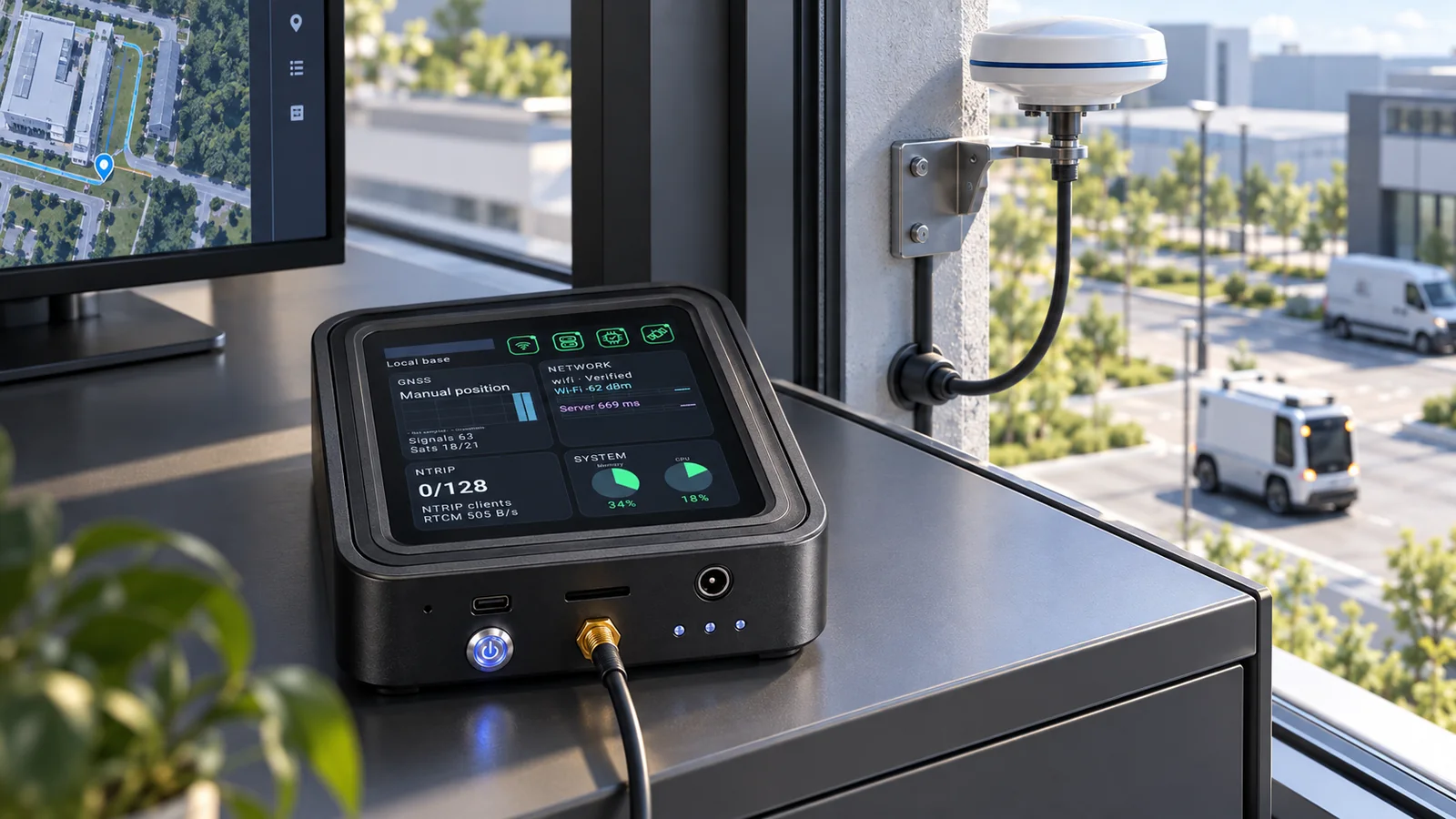
Give compatible robot receivers access to a known GNSS reference source. Validate the reference, network and receiver behavior together with the robot's localization and control system.
Explore this solution →